
|
PixInsight |
Step 6: StarNet2
|
updated: 2026-07-09 |
Processing steps
- Start with the noise reduced image from step 5
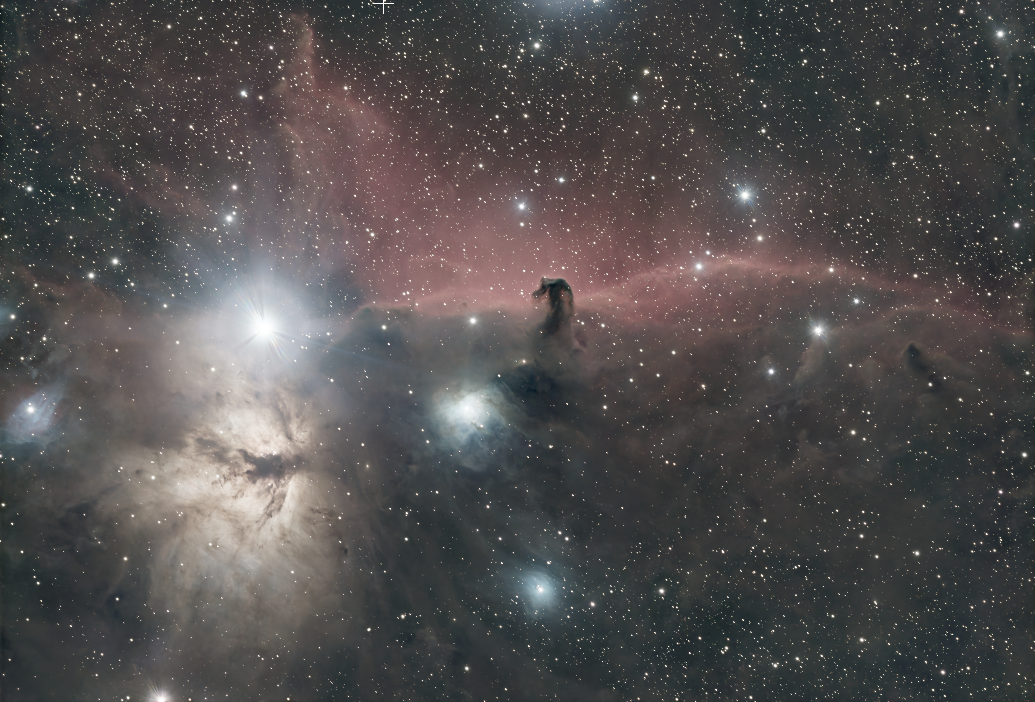
- Separate the nebula and the stars to create two separate images:
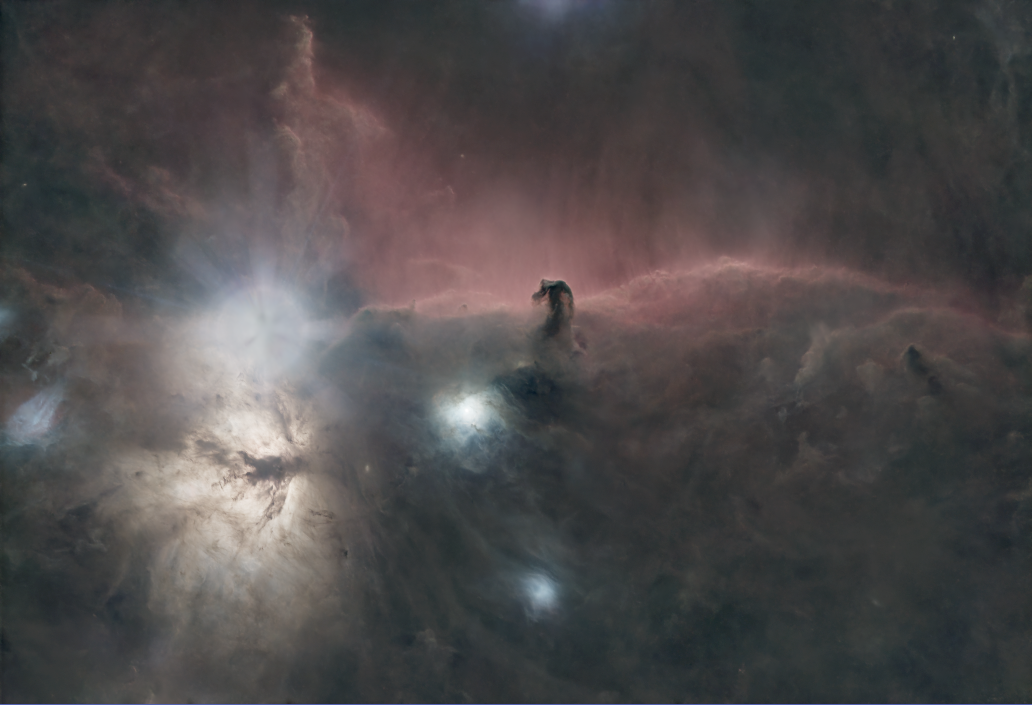
- a starless image containing only the DSO object
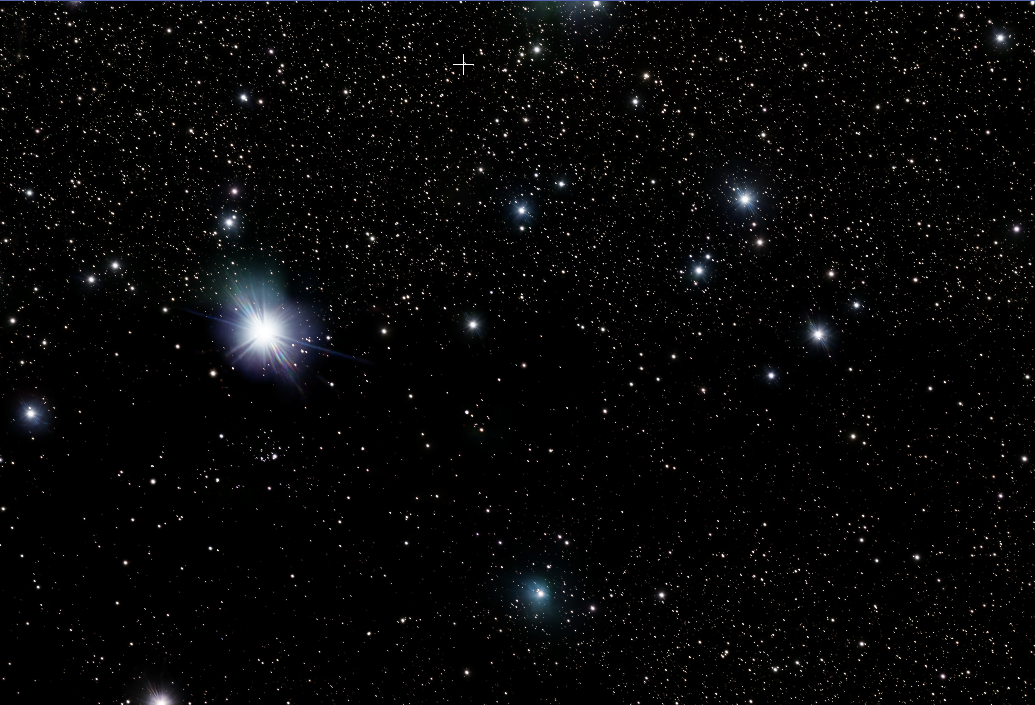
- a second image containing only stars
- To generate the 2 images make sure to check the Create starmask checkbox.
StarNet2 (Process > StarNet2) with these options: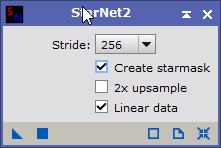
|
Before |
||||
|
click to enlarge |
||||
After |
||||
|
Created with the Personal Edition of HelpNDoc: Achieve Professional Documentation Results with a Help Authoring Tool