
|
PixInsight |
Linear Image Processing |
updated: 2026-03-30 |
|
Description and Purpose |
Enhance the quality of the image:
There are different paths for post processing. For example you should first crop the image to discard unwanted sections of the picture and thereby reduce the size of the image files before further improving the image. But cropping the image first will also have the side effect that the geometry, picture area, pixel scale (arc seconds per pixel) settings etc. will no longer work correctly during the next steps. I therefore usually don't crop images at all. Also instead of applying the Background Improvement steps the SPCC or PCC photometric color corrections can be used as they too handle background noise reduction. But which process is better suited for an image totally depends on the image itself, whether the sky conditions were good, enough light was collected etc. |
|
|
Sub Chapters |
||
|
Input |
The integrated linear Master Light frame from the Image Alignment and Integration |
|
Output |
An enhanced linear (unstretched), but not yet final image |
|
Previous Step |
|
|
Next Steps |
|
|
Resource(s) |
Linear Image Processing Workflow |
Final Stretch Workflow |
|
|
|
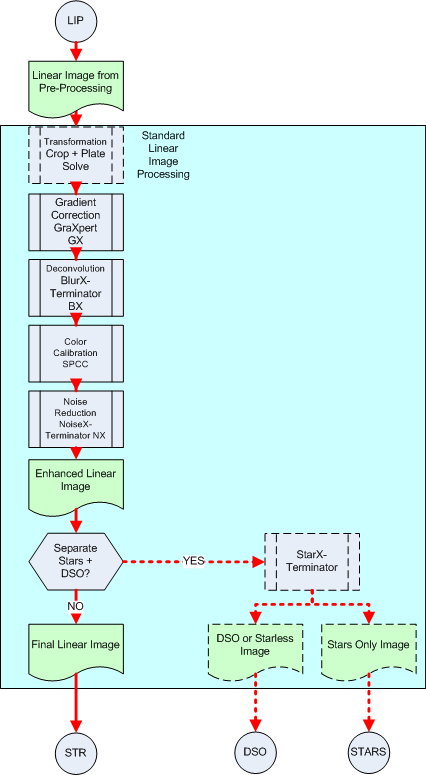
What is achieved with these processing steps
|
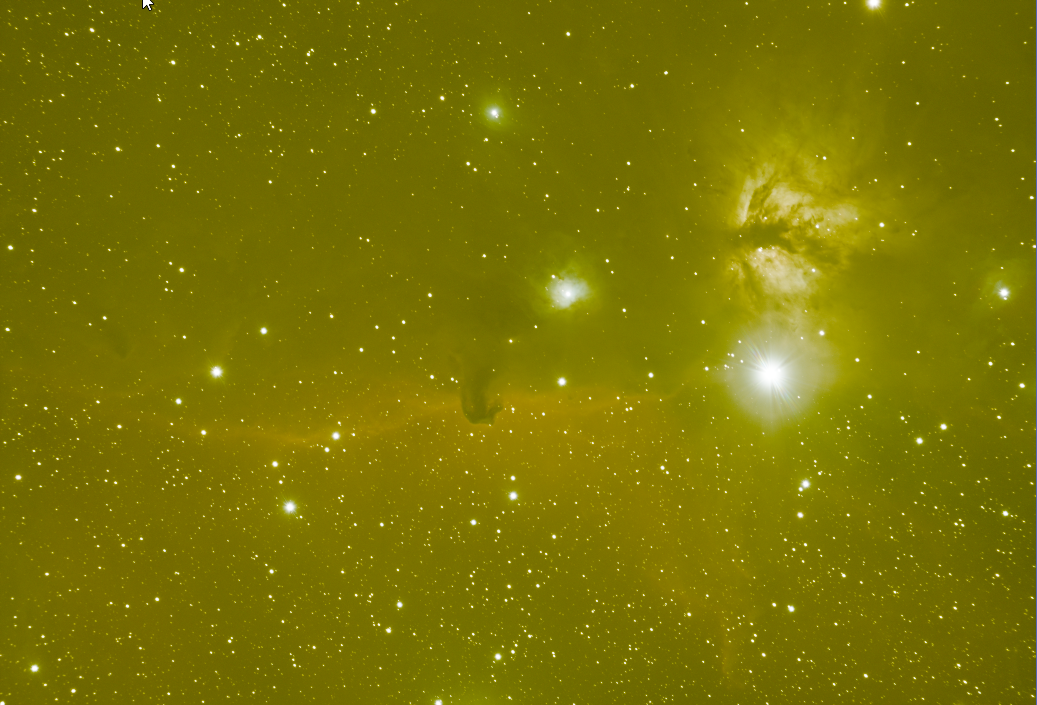
Original image from image integration |
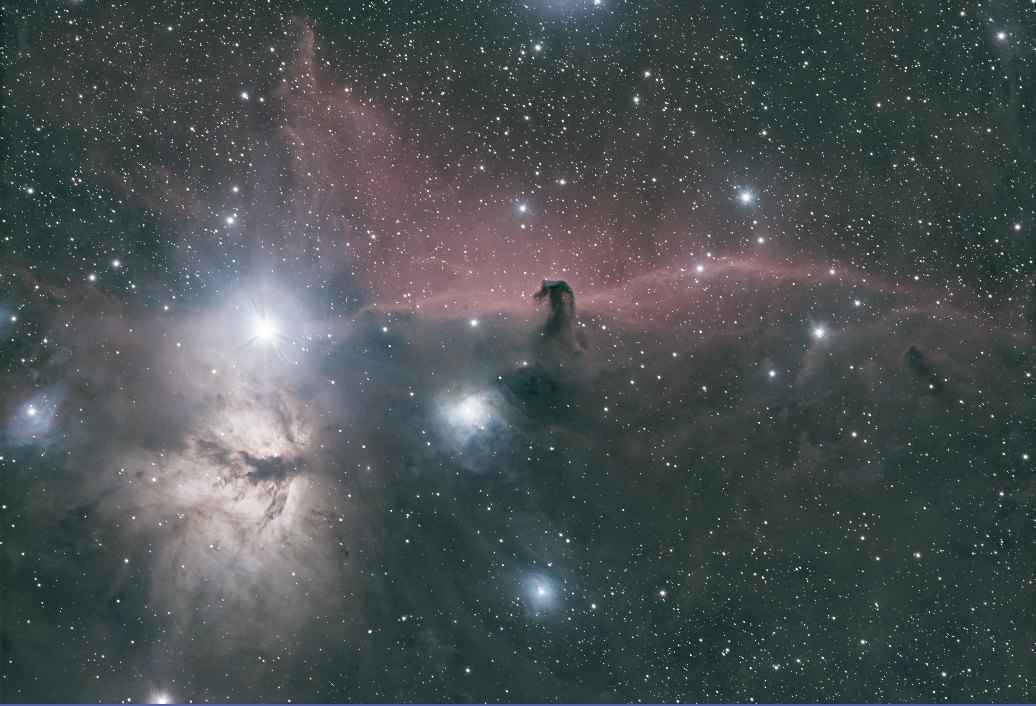
Linear but not final image after quality enhancements |
|
|
|
Created with the Personal Edition of HelpNDoc: Effortlessly upgrade your WinHelp HLP help files to CHM with HelpNDoc