
|
PixInsight |
Step 2: Gradient Correction |
updated: 2026-03-30 |
|
Purpose |
Gradient correction should always be the 2nd step in image development and must be carried out before any further processing. Personally, I prefer GraXpert for gradient correction because it is user-friendly and produces good results. |
|
PixInsight Release: |
newer than version 1.8.9-2 / build 1604 |
|
Input |
The cropped / rotated image from the previous step |
|
Output |
An image that contains the essential elements and hides distracting edges or gradients |
|
Previous Step |
|
|
Alternatives |
|
|
Next Steps |
|
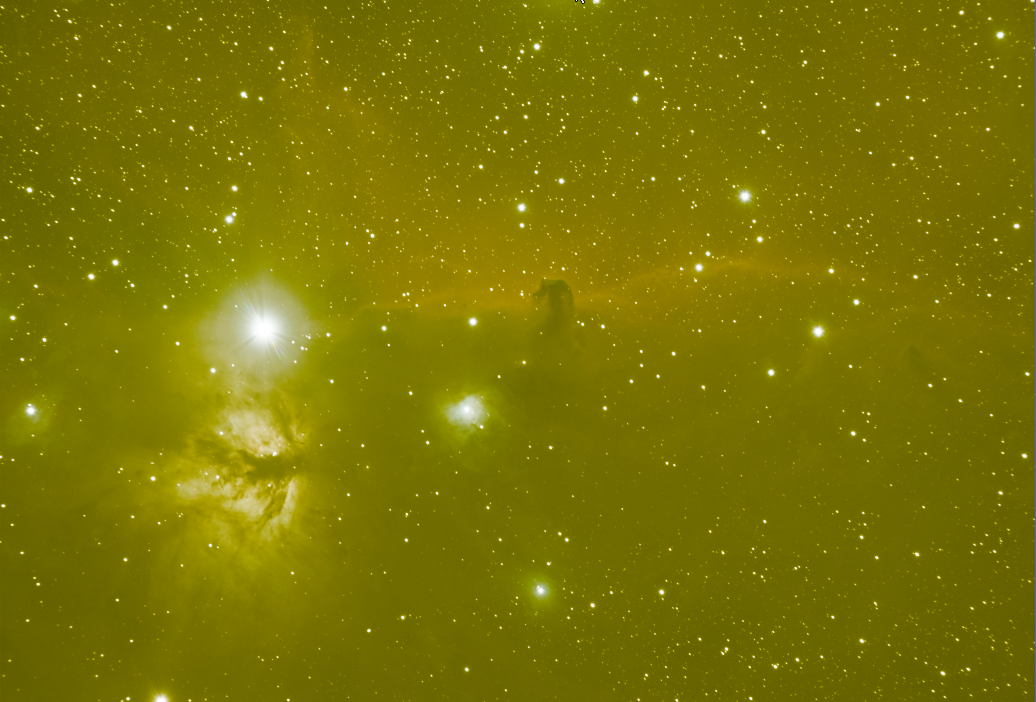
Cropped or rotated image from step 1 |
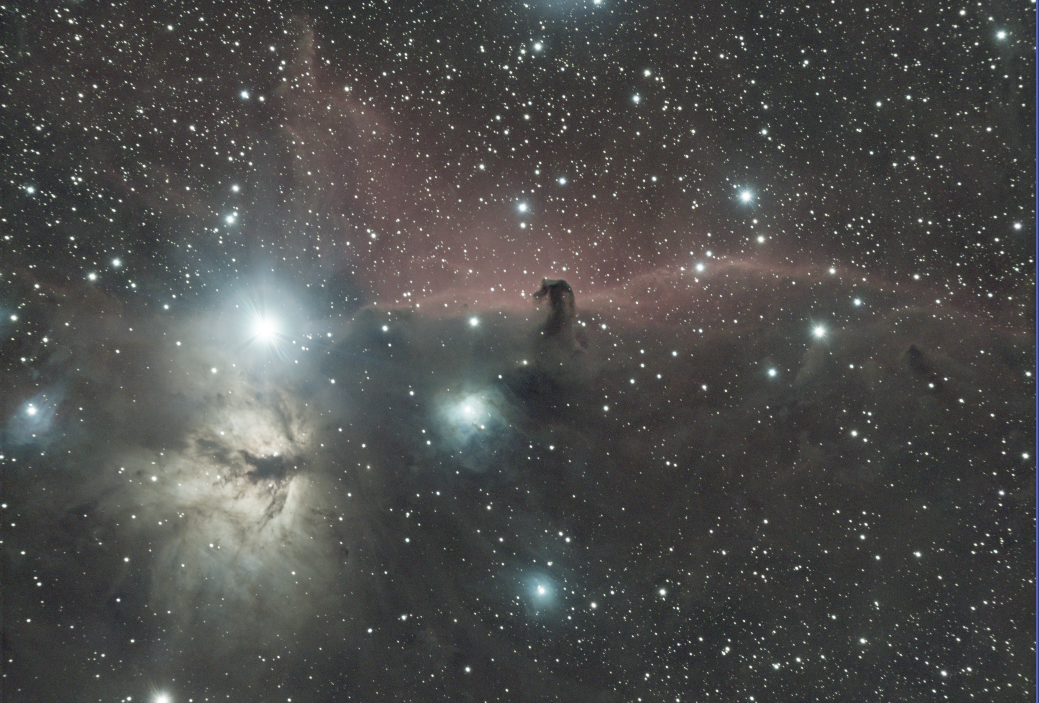
Gradient corrected image (using GraXpert) |
|
|
|
Created with the Personal Edition of HelpNDoc: Save time and frustration with HelpNDoc's WinHelp HLP to CHM conversion feature