
|
PixInsight |
Step 8: Enhancing the Stars Image
|
updated: 2025-10-28 |
|
Purpose |
In this step, the image containing the stars is stretched and the color saturation and contrast are improved.
|
|
PixInsight Release: |
newer than version 1.8.9-2 / build 1604 |
|
Input |
The Stars image from the previous step |
|
Output |
A stretched and color enhanced Star image |
|
Previous Step |
|
|
Next Steps |
|
Step |
Before the enhancement |
After the enhancement |
|
1 |
|
“*_STARS_HT” into sub folder "Work" |
|
2 |
|
|
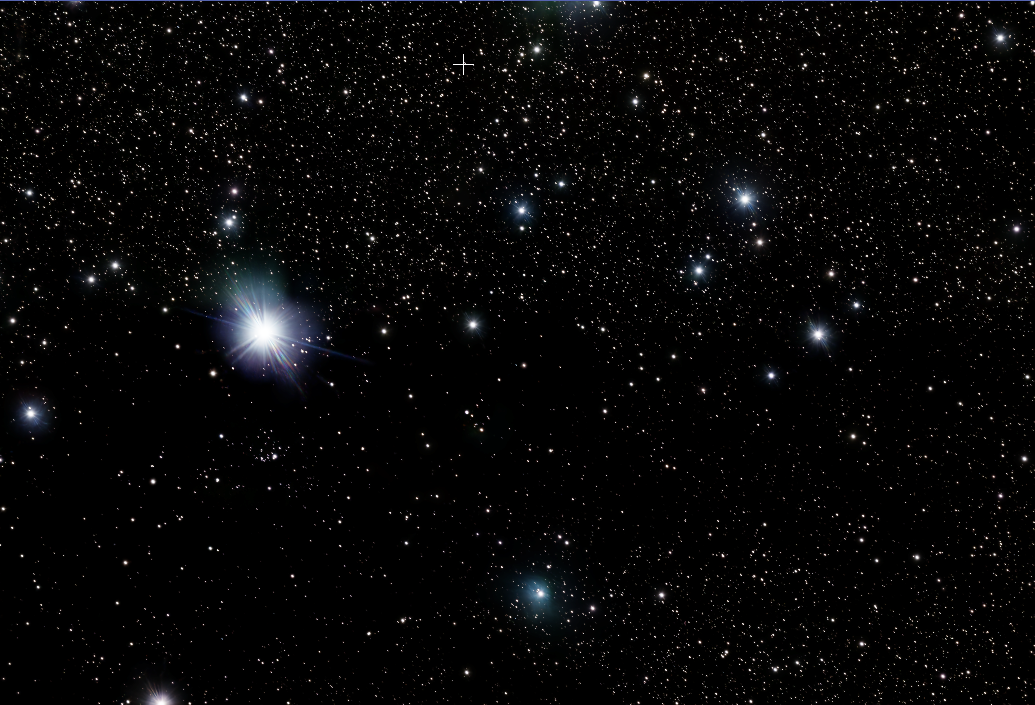
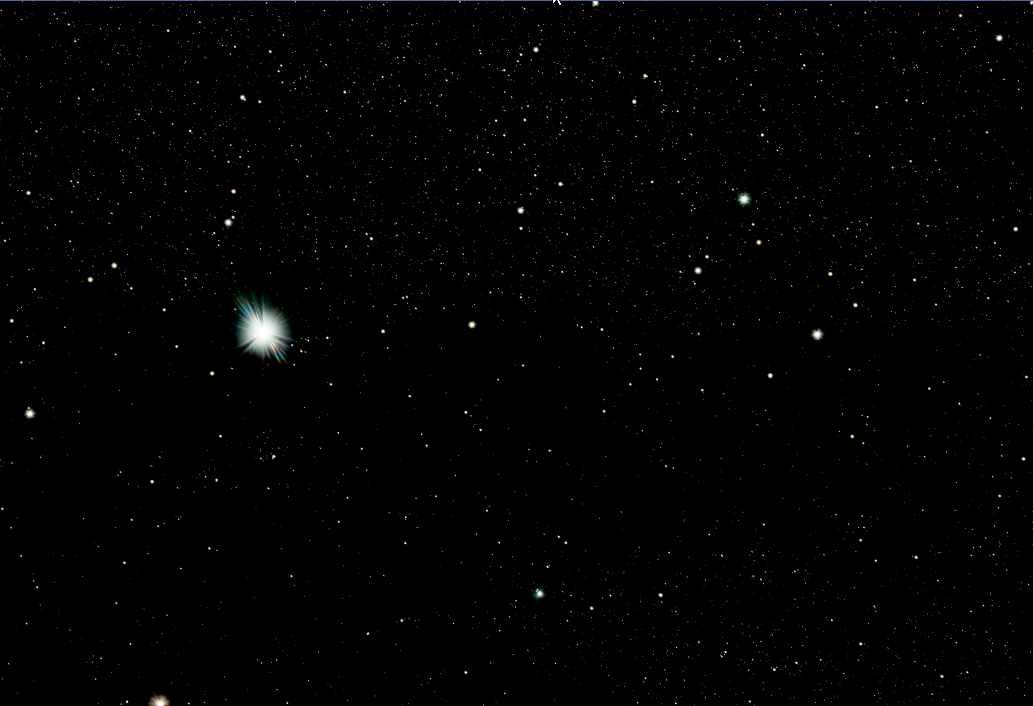
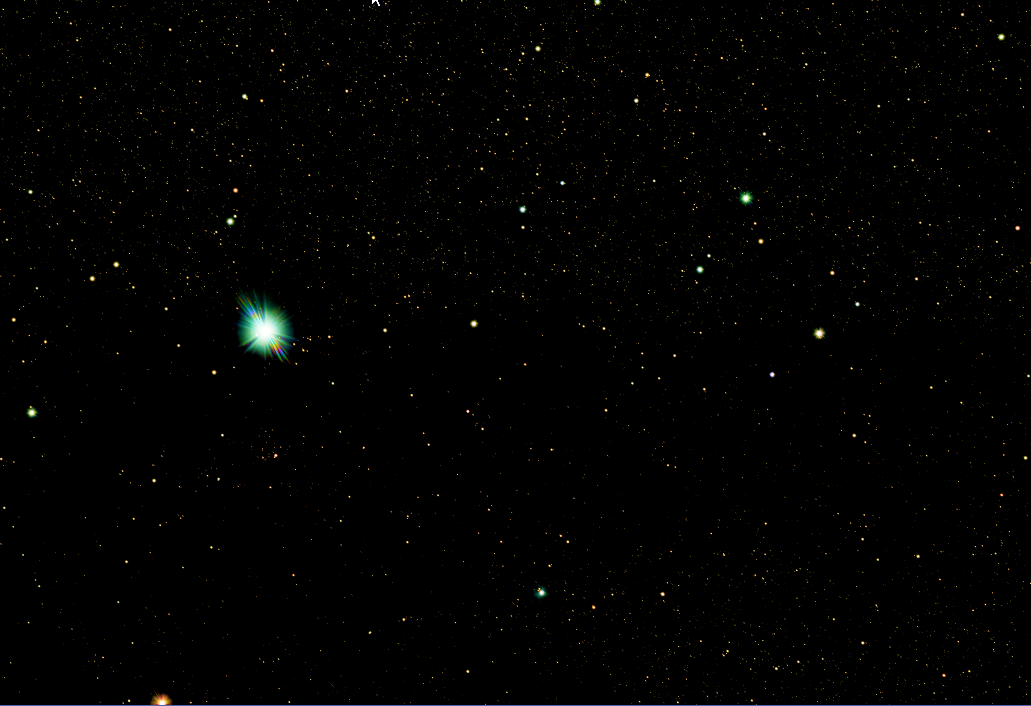
If, after this processing, there are still too many stars disturbing the overall impression, a star reduction step can also be performed. This is best done with the EZ Star Reduction Tool from the EZ Processing Suite.
Created with the Personal Edition of HelpNDoc: Upgrade Your Documentation Process with a Help Authoring Tool